Enabling auto carry over for holidays
Enable Carry-Over (Admin/Settings)
- Go to Settings → Management.
- Select Leave Settings.
- Scroll down and toggle Auto Carry Over ON.
- Enter the number of days employees can carry over.
- (Optional) Add an expiry date for carried-over days (e.g., must be used before 1st April).
Manager Preview & Apply Carry-Over
- Go to the Leave Planner tab.
- Tap Reporting.
- On the right, tap Edit Holiday Allowance.
- At the top, select Go to Holiday Rollover.
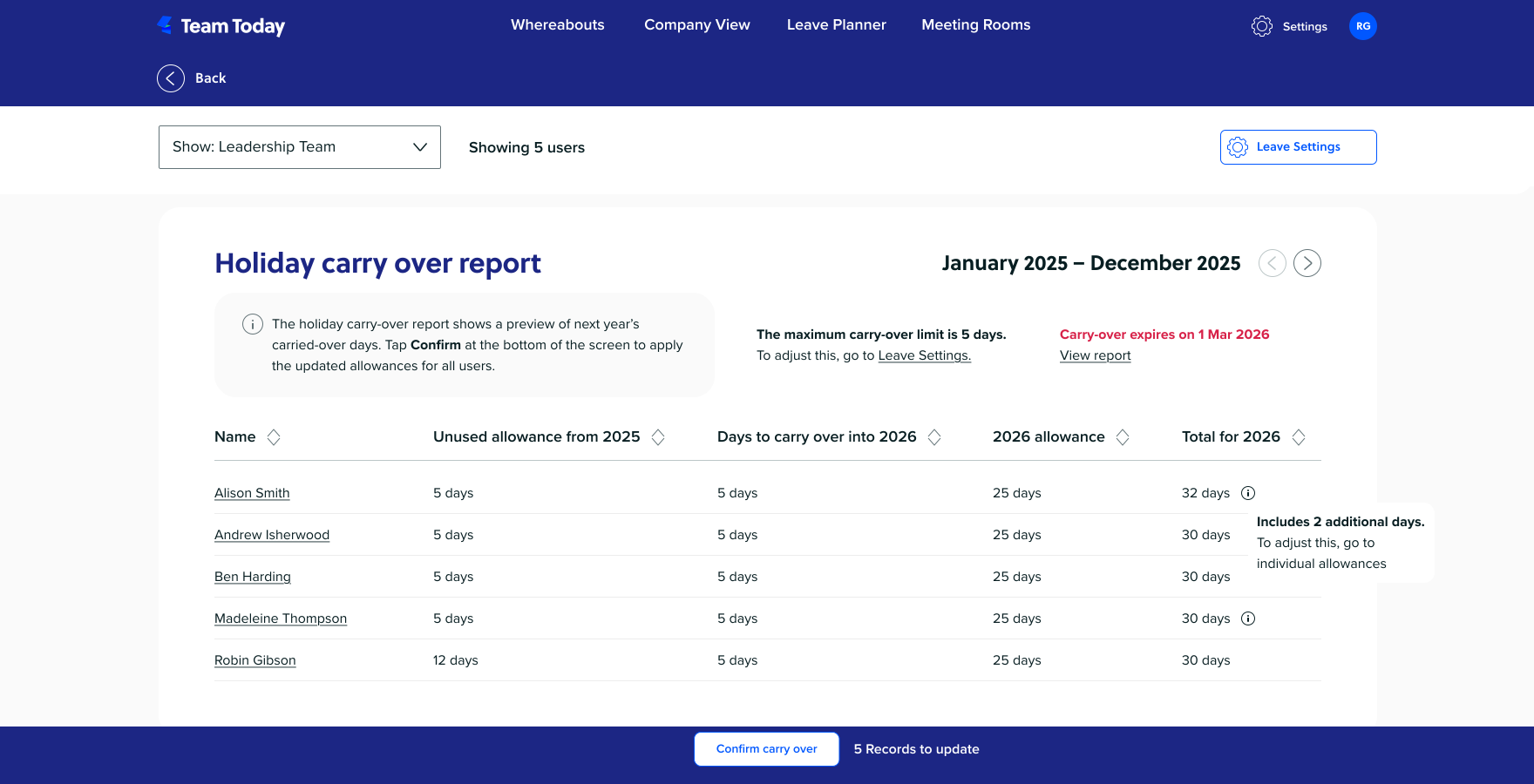
- After a short loading sequence, review all calculated carry-over.
- Scroll down and tap Confirm Carry Over
-