The “Ghost Office” is a costly side effect of the hybrid work era: underused desks and high overheads during off-peak days.
Hybrid working came to us like a whirlwind and brought with it new, flexible and modern ways of working. And while there have been savings in many areas, e.g. commuting, companies have found that multi-location working hasn’t necessarily led to reduced overheads for physical office space.
Current data shows that most hybrid workers spend 3 days in the office per week and the most popular days to choose are Tuesdays-Thursdays. Having this model of peak and off-peak office days leads to some spaces becoming ghost offices that cost companies money.
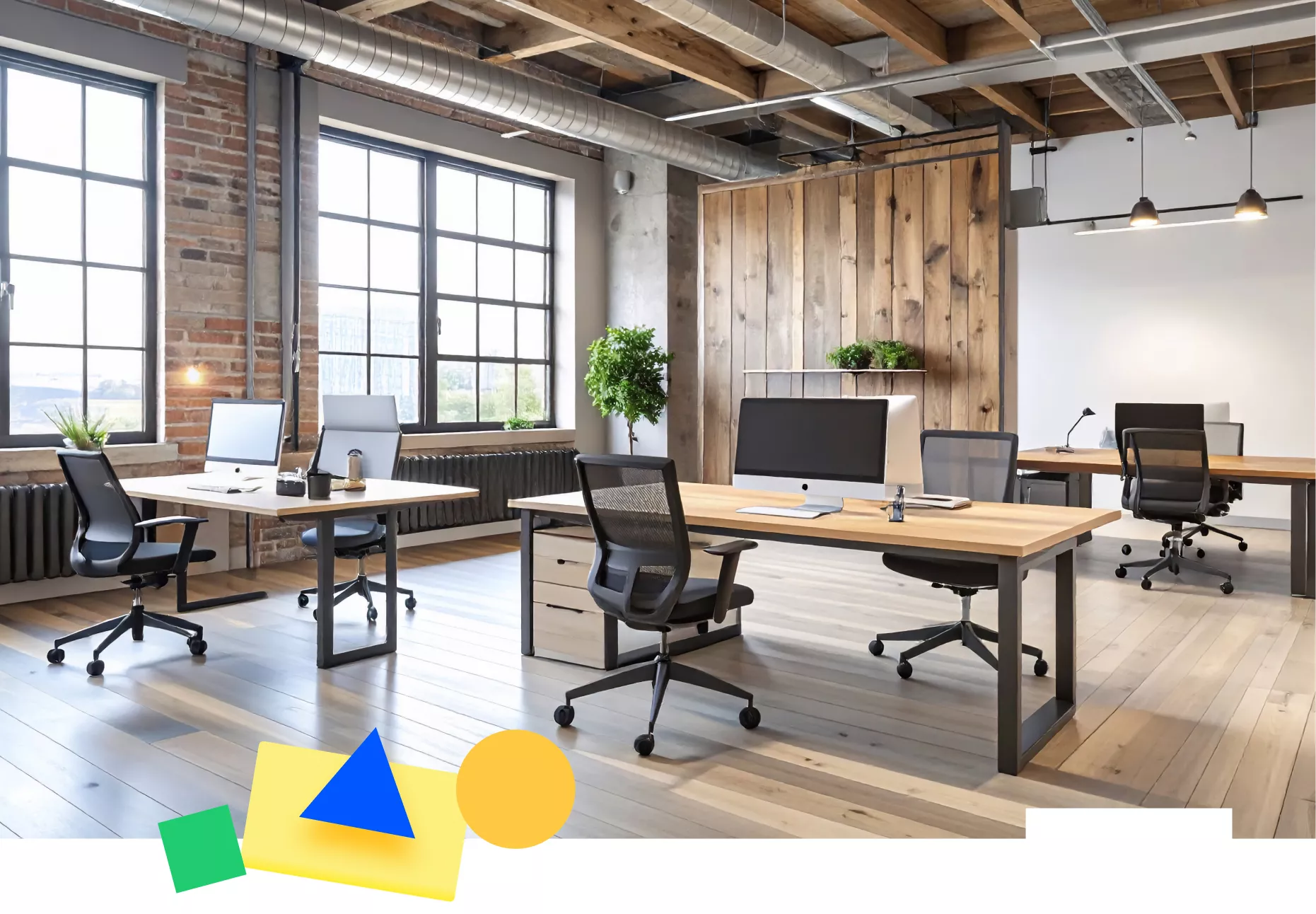
When we talk about space optimisation, one might assume it refers to making the office smaller, but it is actually about making it smarter and making it work for your organisation. That may mean reducing space, but it may also mean utilising your existing space in a different way.
To do this, you need to know who is using the space, when, and how. And to know that you need a data-led approach. The data-led office, where you use intelligence about actual office use to inform your planning and help cut your overheads, is the key to smart space optimisation.

The hybrid workplace is a more agile workplace than the typical office used to be. Fixed desks for each employee have turned into flexible hot desks. Flexible ratios of desk to employee are becoming the standard; from 1:1 to 3:1 or even more. This is perfect for optimising space to suit your hybrid working model. A space that previously served just one colleague can now service several.
Alongside hot desking, spaces are being used in more creative ways, to fit the needs of the business. For example, collaborative spaces, social spaces for breaks, and quiet areas for focused working.
Management of all of this needs the right tool. Office space management software, such as Team Today, provides this. Employees can book desks for when they are in the office. These are based on the office and floor structure your company creates in the software, including capping the number of available desks so there is no chance of over-booking.
Managers and teams can use the Whereabouts function to plan time in the office and see where everyone will be.
A proper booking system takes away the chance of desk hoarding, and encourages teams to plan their whereabouts and working weeks together, taking into account current work and future planning.

Desk booking and whereabouts are the top layer that everyone can see, but the intelligence you need to have a data-led office is underneath, in the management reporting function. Management reporting provides data on spaces that are over- and under-used, helps identify patterns of usage including purpose of bookings, and calculates how much space you are actually using.
The data may show there is a valid case for reducing office space, and therefore cost, or it could demonstrate the need to promote a more fluid approach to the days your teams come into the office, to spread out across the week, or to earmark certain days for certain types of work.
The data may show the ghost offices in your midst, which can be repurposed into creative, collaborative or breakout spaces, removed from your office portfolio, or even sublet to another organisation. Reducing spaces may also provide opportunity to renegotiate supplier contracts, for example, energy and facilities management.
A good place to start is to audit your current office space use, using office space management software like Team Today, identifying your ghost offices and repurposing them. A company-wide approach to desk booking will then enable a more structured and smart approach to office space use.
Team Today is free for up to 10 employees, and it integrates with Microsoft Teams, meaning there is no need for additional software.
For more insights and articles about work and hybrid working from Team Today, visit our blog here.
